Before you start
Read the complete manual supplied with your robot before installation or motion. This page reorganizes the environment and pre-use checks in the Pro manual; it does not replace the full safety instructions.
Installation environment
| Condition | Pro V1.0 manual requirement |
|---|---|
| Location | Indoors, away from direct sunlight |
| Operating temperature | 0–45°C |
| Relative humidity | 20–80%, without condensation |
| Altitude | Below 1,000 m |
| Vibration acceleration | Below 4.9 m/s² (0.5 g) |
Keep the robot away from dust, oil mist, salt, metal chips, flammable or corrosive substances, strong magnetic fields, and electrical interference. Contact Gento if the intended environment is outside these conditions.
Delivery and posture checks
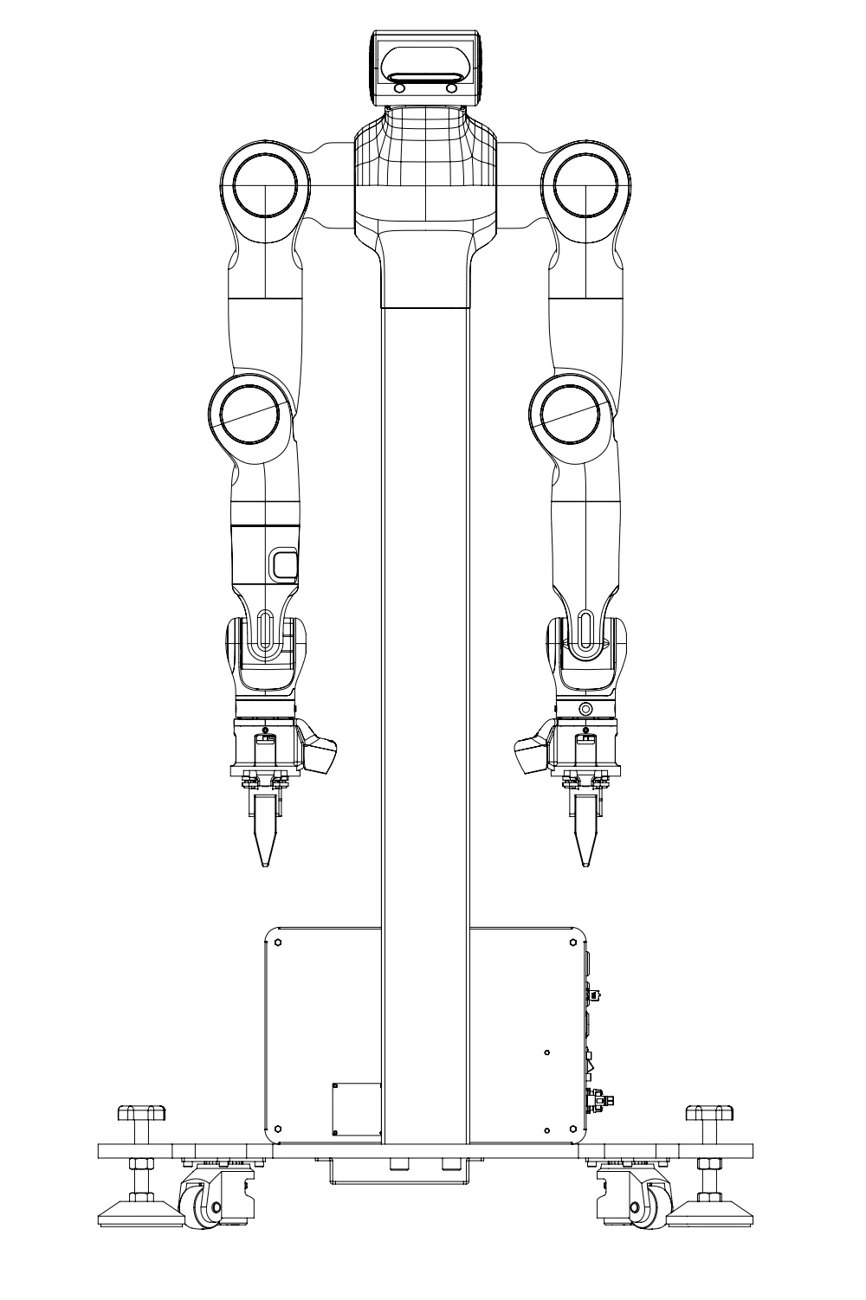
Check for damage, deformation, missing parts, and a mismatch between the delivered unit and packing list. Compare the initial posture with the manual's illustration; if it does not match, contact support before proceeding. This illustration is a reference posture, not a command to move the robot.
Before motion
Confirm the supplied E-stop is connected, the work area is clear, and the installed tool and robot configuration match. Do not treat a green indicator or a software connection as proof that the workspace is safe. Read control mode limitations before using a motion mode.