Gento documentation
Set up your robot. Connect your software. Build your first workflow.
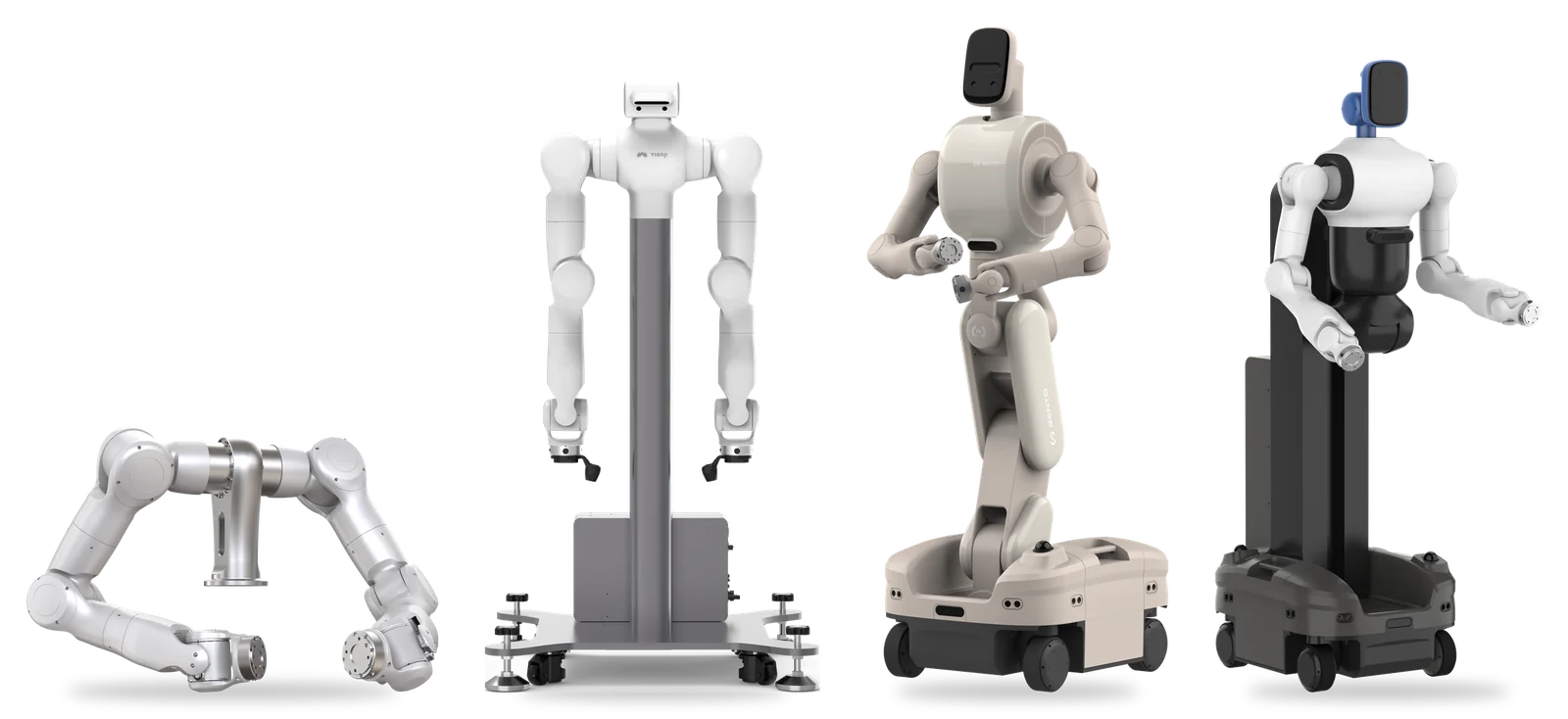
Products
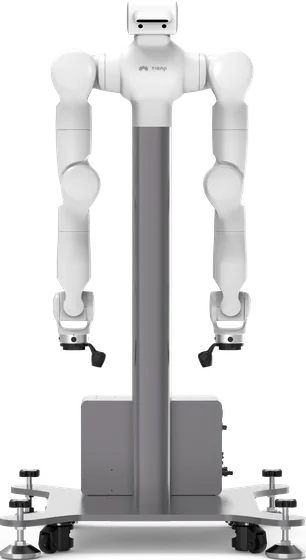
Dual-arm platform with stand and integrated cabinet, for manipulation, teleoperation, and data collection.
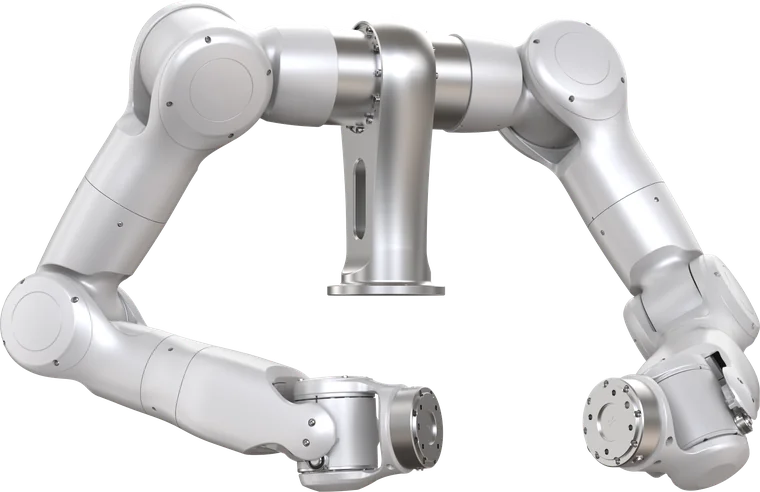
Force-controlled 7-DoF humanoid arms and dual-arm controller for your own torso or machine.
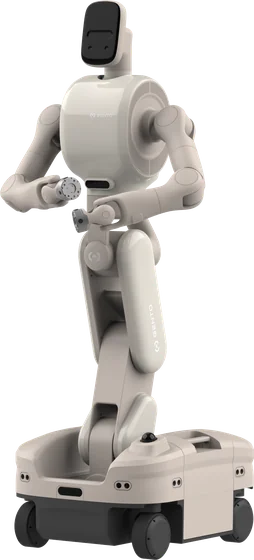
Foldable wheeled humanoid with 26 DoF, omnidirectional chassis, and NVIDIA Orin compute.
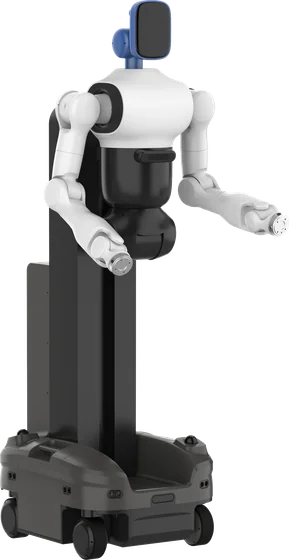
Wheeled lifting robot with whole-body force control. Documentation is in progress.
Popular guides
Unpack, identify the connections, and prepare for first power-on.
MARVIN / INSTALLMount the Marvin armsHandling, environment, fasteners, and zero calibration.
LUNA / FIRST USEPower on and drive LunaPre-use checks, gamepad control, indicator lights, and charging.
LUNA / SOFTWAREControl Luna with GentoPlatformConnect, switch control modes, and plan joint and Cartesian motion.
MARVIN PRO / DEVELOPConnect with the SDKChoose the matching SDK and understand controller compatibility.
MARVIN PRO / TELEOPERATESet up Apex VRFind the robot, desktop, and headset software packages.
Before you begin
Every robot connects to your PC the same way. Start with Connect your PC to set up the cable, IP address, and firewall.
Check the robot model, controller version, and installed software. Instructions and configuration files are version-specific. For Marvin Pro, start with compatibility if you are unsure which guide applies.
If the English and Chinese versions differ, the Chinese version applies. Contact Gento support if anything is unclear.
Product documentation
These docs cover Marvin Pro, Marvin, and Luna. Skye documentation is coming soon. The shared Software & development and Teleoperation sections were written for Marvin Pro; Luna has its own software and SDK pages.