Marvin Pro overview
Marvin Pro is a fixed-base dual-arm platform for manipulation, teleoperation, and data collection. Its two seven-joint arms provide 14 degrees of freedom, excluding end effectors. The torso and head are fixed.
Marvin Pro ships with the Gento Teleoperation Apex system. A VR headset gives the operator a first-person view, and the operator's hand motion is mapped to the arms in real time. Current units use a Tianzhun core controller. The camera deserializer board is built into the robot, and the standard Senyun wrist cameras are wired through the arms. Units delivered with an NVIDIA Jetson Orin controller are covered in Earlier Marvin Pro (Orin).
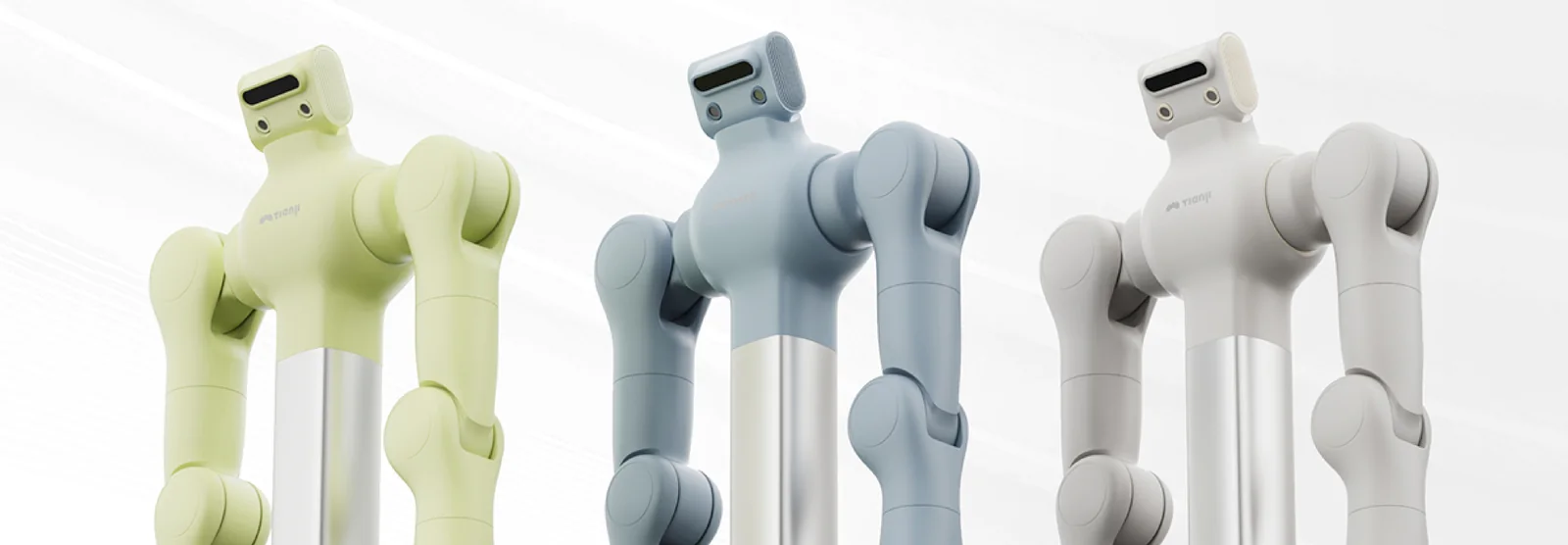
System components
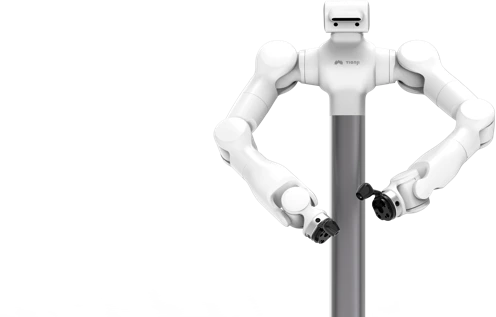
| Component | Role |
|---|---|
| Two force-controlled arms | Position and impedance-controlled manipulation |
| Fixed stand and integrated electrical cabinet | Mechanical support, power, and connections |
| Arm controller | Receives motion commands; 6.6.7.190 by default |
| Tianzhun core controller, in the cabinet | Runs Apex, the ROS 2 nodes, camera capture, and recording; 6.6.7.100 by default |
| 48 V main supply and 12 V controller supply | 220 V to 48 V switching supply for the arms; 12 V for the controller and peripherals |
| E-stop box | On-site emergency stop |
| Head and wrist cameras | Environment and close-range manipulation views. The Senyun wrist cameras are wired inside the arms |
| VR headset and controllers | First-person view and operator input. Pico or Meta Quest, depending on your configuration |
| Host PC | Runs Apex Teleop, or Marvin Platform and your own SDK programs |
USB drive labeled BAG_STORAGE | Stores teleoperation recordings |
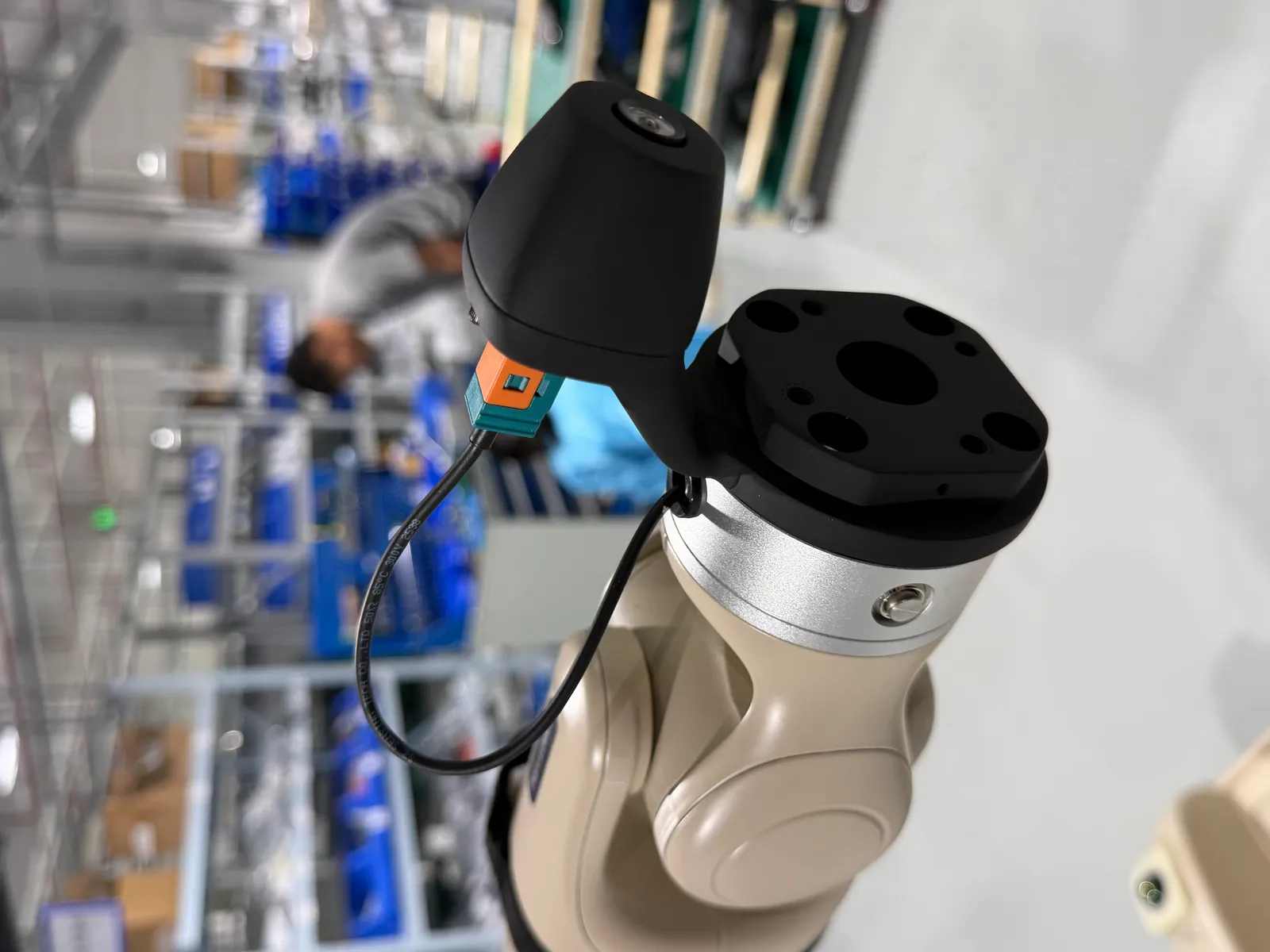
The brochure describes an M6 configuration with a 6 kg rated payload per arm and a 696 mm working radius, and an M6 Lite configuration with 5 kg and 615 mm. These are different configurations, not interchangeable specifications.
Software
| Software | Runs on | Role |
|---|---|---|
| Apex controller software | Tianzhun controller | ROS 2 nodes, motion control, camera, and recording services |
| Apex Teleop | Host PC | Connects to the controller, starts the robot, switches modes, and records and replays data |
| Apex headset client | Pico or Meta Quest | Video and teleoperation input |
| Marvin Platform and the motion SDK | Host PC | Direct arm control and development; see Install Marvin Platform |
The Tianzhun controller runs Ubuntu 22.04 with ROS 2 Humble. For a development PC, use Ubuntu 22.04 (AMD64). Install controller, host, and headset packages from the same delivery release; see software compatibility.
Default network
| Device | Default address |
|---|---|
| Tianzhun controller | 6.6.7.100. Log in with ssh nvidia@6.6.7.100 |
| Arm controller | 6.6.7.190 |
| Host PC | 6.6.7.xxx, for example 6.6.7.165 |
| Headset Apex client | Connects to the Tianzhun controller at 6.6.7.100 |
See Connect your PC to set up your computer's address.
What Marvin Pro is used for
- Remote dual-arm teleoperation, including work in hazardous environments
- Collecting demonstration data, with built-in recording of robot data and video, and playback on the real robot
- Assisting in factory production
Apex provides low-latency VR video from the GMSL cameras, real-time motion tracking, impedance, position, and standby modes, and an incremental teleoperation mode. Manus data gloves with a Wuji Hand, and a three-key foot pedal, are optional; see optional accessories.
Choose your next step
- New delivery: follow unpacking.
- Already installed: check software compatibility, then connect.
- Developing an application: open the SDK directory and the Marvin Pro ROS 2 interfaces.
- Teleoperating and collecting demonstrations: follow Marvin Pro: first teleoperation.